07813056418

WELCOME TO THE ANIMAL COMPANY
Animal Hire
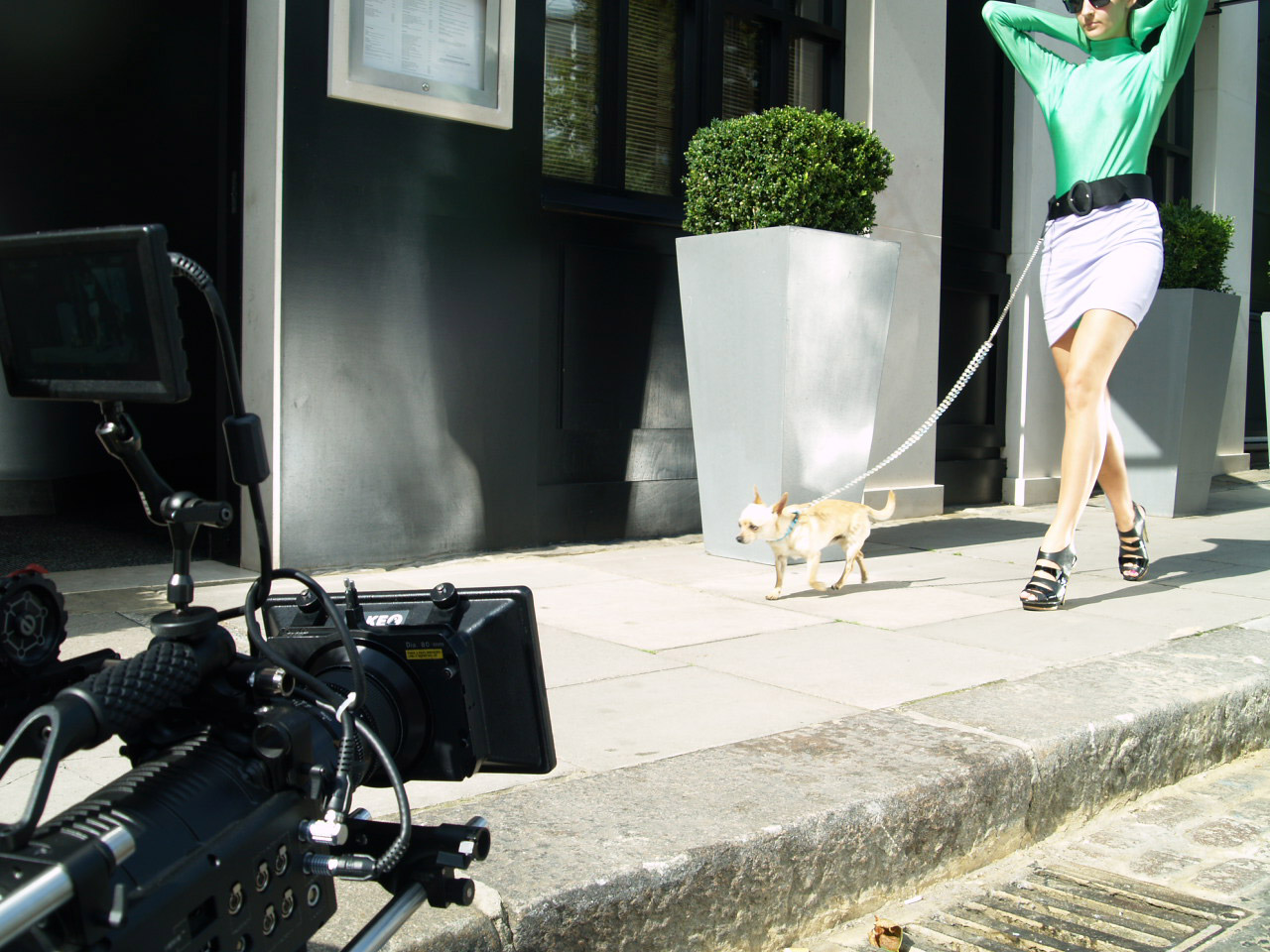
The Animal Company offers a comprehensive range of trained animals for hire, for use in Film, TV, Advertising and still photography. Uniquely many of the animals we work with are privately owned by us.
However if we do not have what you are looking for, The Animal Company has access to hundreds of different species via our network of animal experts throughout the country.
Specialising in animal hire, based in the Midlands area. This gives quick and easy access to London, and also the North. As part of our service we ensure that all animals are accompanied by experienced handlers.
All events and productions carry public liability insurance, and are fully risk assessed.
Animal Welfare is of up most priority, which is why we work closely with DEFRA and Animals in Transit to ensure the highest standards of care. This means we always provide healthy, happy animals, and we are delighted to supply exotic, traditional farm and domestic animal hire.
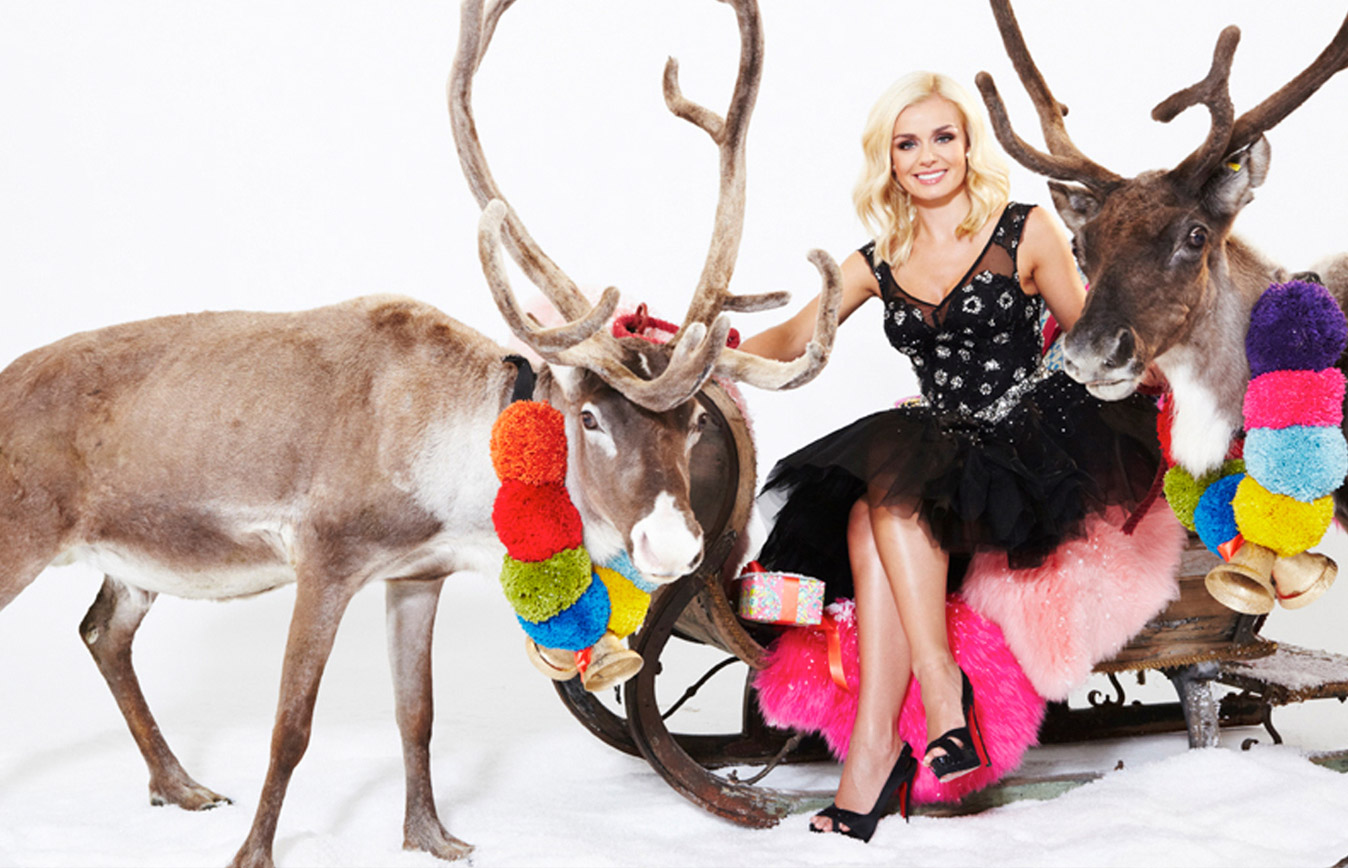
We are delighted to provide a fantastic range of animals for hire, ranging from reindeer hire, horse hire, camel hire, penguin hire and much more.
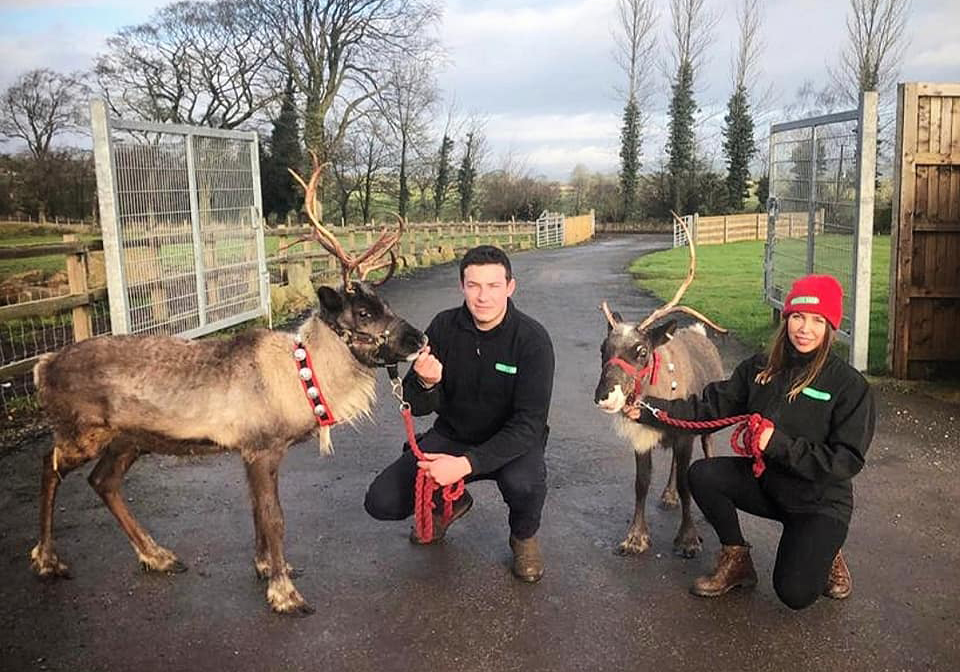
The Animal Company is the UK’s fastest growing animal hire firm, supplying trained animals for Film and TV, Promotional, Media & Events. This year we have launched www.themobilepettingfarm.co.uk which has proved a great success and enabled us to work for some of the top named brands, our mobile petting farm animals have even visited Royalty and The Ritz, London (The first ever animals to visit the Ritz in over 100 years).
Please contact our team today to discuss our animals for hire and how we can help provide the right animals for your film, TV show, advertising shoot or event.
Animals we have previously provided for our clients include...
• Cows • Sheep • Goats • Reindeer • Birds of Prey • Owls • Horses • Camels • Dogs / Puppies • Cats / Kittens • Pigs • Huskies / Wolves • Penguins • Monkeys • Rabbits / Guinea Pig • Chickens • Ducks • Parrot • Meerkats • Alpacas • Llamas • Buffalo • Tortoise • Mouse / Rat • Frog
Our Clients